
CrownGreen Login & Registration CA
Getting into your account is where everything starts — the bonuses, the live tables, the tournaments worth millions of dollars. We built the CrownGreen login experience to be fast, direct, and consistent across every device Canadians actually use. Whether you are registering for the first time or returning to collect a reload offer, the steps below cut through the noise and get you into the action.
Access Points Across Devices
Every entry point routes into the same single account, so your balance, your VIP points, and your active bonuses travel with you. To complete a CrownGreen Casino login, you have three practical routes available at all times:
- Desktop browser — open the site directly; the login form sits at the top right corner of every page
- Mobile browser — Chrome or Safari on any iOS or Android device; no download required to reach the full lobby
- Installed shortcut (PWA) — add our site to your home screen for an app-style launch that skips the browser bar entirely
- Identical credentials — your email and password work across all three methods; there is no separate mobile login
Our platform uses a single combined account structure, meaning the casino, live casino, promotions, VIP section, and sports betting area all live under one roof. Use the online Crowngreen gaming overview as your reference point for everything available after you sign in. The CrownGreen login process stays the same whether you’re jumping on a Tuesday night or chasing a $2,250,000 Book of Billionaire tournament prize — your credentials never change.
Registration Step by Step
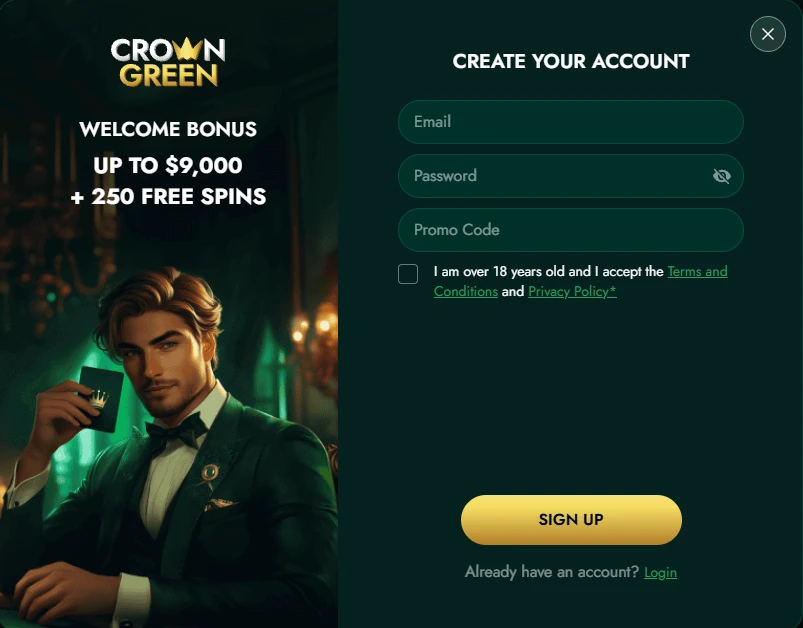
The CrownGreen sign up process is structured around three clear tasks, each one setting up the next. Completing them in order protects both your welcome offer eligibility and the speed of your first withdrawal.
| Order | Task |
|---|---|
| First | Offer check — confirm the $1,500 cap, 100 free spins, and eligible games before clicking register |
| Second | Personal details — legal name, real address, accurate date of birth, and contact info that matches your official documents |
| Third | Cashier setup — choose Interac, card, e-wallet, or bank transfer; set deposit, loss, and session limits proactively |
Entering details that do not match your ID will slow down your first withdrawal — sometimes significantly. The minimum deposit to trigger the first welcome offer is $30, so set that route before you fund the account. For any questions about the process, the support Crowngreen solutions answers page covers the most common registration queries in detail. Once the form is submitted, your account at CrownGreen is active and the cashier becomes available immediately.
Documents and Data Accuracy
Verification checks your submitted registration details against your identity documents — that is where accuracy matters most. Every field you entered during CrownGreen register must be spelled exactly as it appears on your government-issued ID.
| Detail | Requirement |
|---|---|
| Name | Exactly as printed on ID — no nicknames, no shortened versions |
| Date of birth | Must be accurate; any mismatch pauses withdrawal processing |
| Address | Current residential address; must be verifiable |
| Contact details | Email and phone must be reachable for KYC correspondence |
Uploading your documents early — before your first withdrawal request — removes the most common delay players face. We accept standard government ID and proof of address. Our platform processes KYC in compliance with our AML Policy, available in the legal section of our site. Browse the Crowngreen reward system only after your verification is underway, so your bonus activity is fully covered from day one.
Fixing Password and Email Issues
Password resets and undelivered confirmation emails are the two problems that stall most new profiles before they ever reach the lobby. Both are straightforward to fix if you know the exact sequence.
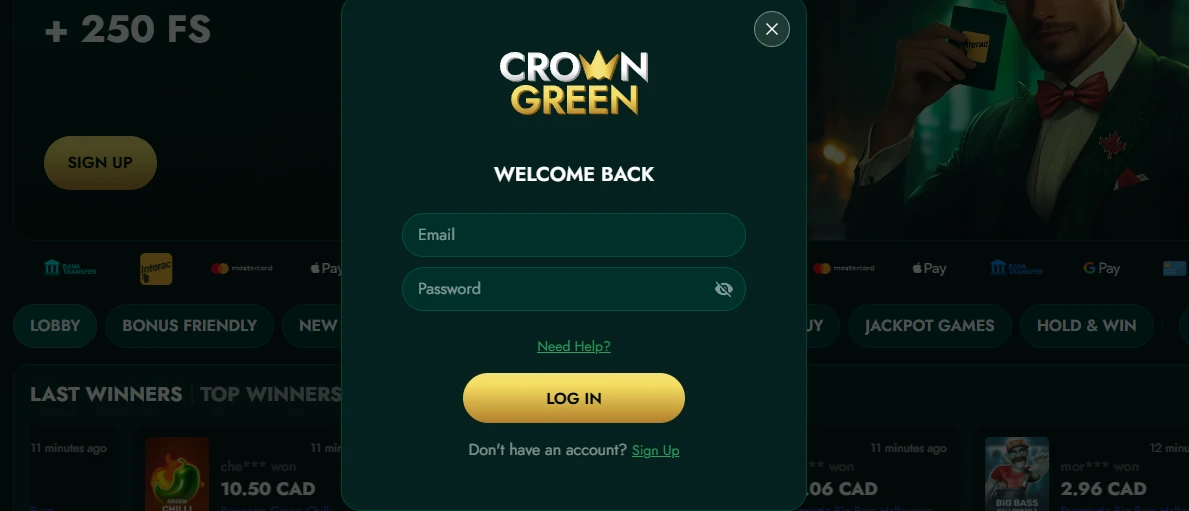
- Reset link — use the “Forgot Password” prompt on the CrownGreen Casino login screen; the link arrives within minutes
- Spam folder check — confirmation and reset emails frequently land in junk filters; check there before re-requesting
- Confirm before depositing — never fund an account on an unconfirmed email address, as this creates cashier access issues later
- Live chat backup — our 24/7 live chat team resolves credential issues in real time if the automated tools do not work for you
The email address you register with becomes your permanent account identifier, so double-check it during sign-up. If you need to update it after registration, live chat is the fastest route. Our support team can also re-send the confirmation link manually if automated delivery fails on your mail provider.
What Unlocks After Sign-In
The moment your account opens, a full suite of features becomes available — no waiting, no partial access. Here is exactly what the signed-in lobby gives you:
- Cashier and limits — deposit from $30 via Interac, Visa, Mastercard, Apple Pay, Google Pay, Skrill, Neteller, Paysafecard, Revolut, Wise, and more; withdrawal floor is $60
- Welcome offers — the first deposit match goes up to $1,500 plus 100 free spins; high rollers can access a 125% match up to $4,500 plus 125 free spins
- Tournaments — active prize pools include Spin Express at $1,500,000 and Book of Billionaire at $2,250,000, both visible immediately in the promotions tab
- VIP point tracking — every eligible wager earns points; a single deposit of $1,500 fast-tracks you to VIP Manor status
CrownGreen sign up also opens the door to the Game of the Month promotion (up to 100 free spins on Sticky Piggy) and the Monday Kickstart “Fresh Start” bonus up to $1,500. The lobby itself organises games by slots, Megaways, live casino, instant win, jackpot games, and sports betting — filters that route you directly without scrolling through every title.
Responsible Access Habits
Keeping your login credentials private is the single most important security habit on our platform — shared accounts violate our Terms and Conditions and put your funds at risk. Device hygiene matters too: log out of shared or public devices after every session, and never save your password in a browser on a device other people can access. Our minimum age requirement is 18+, and we take underage prevention seriously; your credentials must stay yours alone.
When you CrownGreen register, we strongly encourage setting deposit, loss, wager, and session limits from day one in your account settings — these tools are always available and never locked behind a support request. Our Responsible Gaming policy, accessible in the footer, outlines every safeguard in detail. Players who treat limits as part of their strategy, not as a restriction, consistently get more sustained value from the platform than those who skip that setup step.
Getting Into the Account Smoothly
Players who get the most out of this platform are the ones who take ten minutes at registration to get every detail right. Accurate personal information, a confirmed email address, an Interac or e-wallet cashier route already selected, and deposit limits in place — those four things together mean your first withdrawal arrives without a single delay. The CrownGreen Casino login is a gateway to one of the most loaded lobbies available to Canadian players in 2025: over 80 providers, live tables with real dealers, crash games, sports betting, and tournament prize pools that regularly exceed $1,000,000. Getting through that gate cleanly is entirely within your control, and the steps above make it straightforward.
Frequently Asked Questions
Can I log in from two devices?
Yes — your account credentials work across desktop browsers, mobile browsers, and the installed home-screen shortcut simultaneously. Our platform uses a single combined account, so the balance and VIP points you see on one device are always current on the other. There is no limit on the number of devices that can access the same account, provided you are the account holder.
Why has my confirmation email not arrived?
Check your spam or junk folder first, since automated emails from gaming platforms are frequently filtered there. If nothing appears after ten minutes, use the live chat to request a manual re-send — our team is available around the clock. Make sure the email address you entered during registration was typed correctly, as a single character error prevents delivery entirely.
Do I need to verify before playing?
You can access the lobby and deposit after registration, but we recommend uploading your KYC documents early to avoid delays on your first withdrawal. Verification compares your submitted details against government-issued ID, so the more accurate your registration data, the faster the process moves. Getting this done before you build up a withdrawal request is always the smarter move.
Where do I track VIP points?
Your VIP points balance and current level are visible inside your signed-in account dashboard under the VIP section. Every eligible wager earns points automatically — no manual claim is needed. A single deposit of $1,500 fast-tracks your account to VIP Manor status, which is the entry point to the full CrownGreen VIP tier structure.
What if I forget my email address?
Contact our 24/7 live chat team directly — they can locate your account using your registered name and date of birth, then confirm the email on file. For security reasons, this process requires identity verification before any account details are disclosed. Once confirmed, you can request a CrownGreen Casino login link sent to that address to regain full access.